
FGR-24 Features
Core functions for the operator workflow.
Features that make measurement, simulation, editing and cutting more controlled.
01
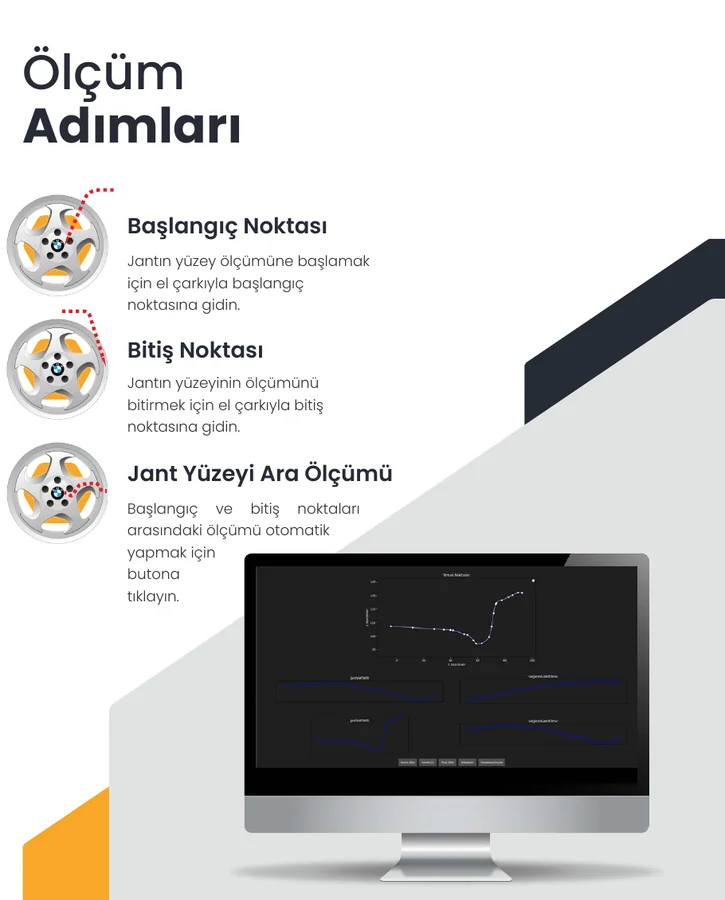
Automatic Measurement
Measure the wheel surface between selected start and end points using the Touch Probe.
02
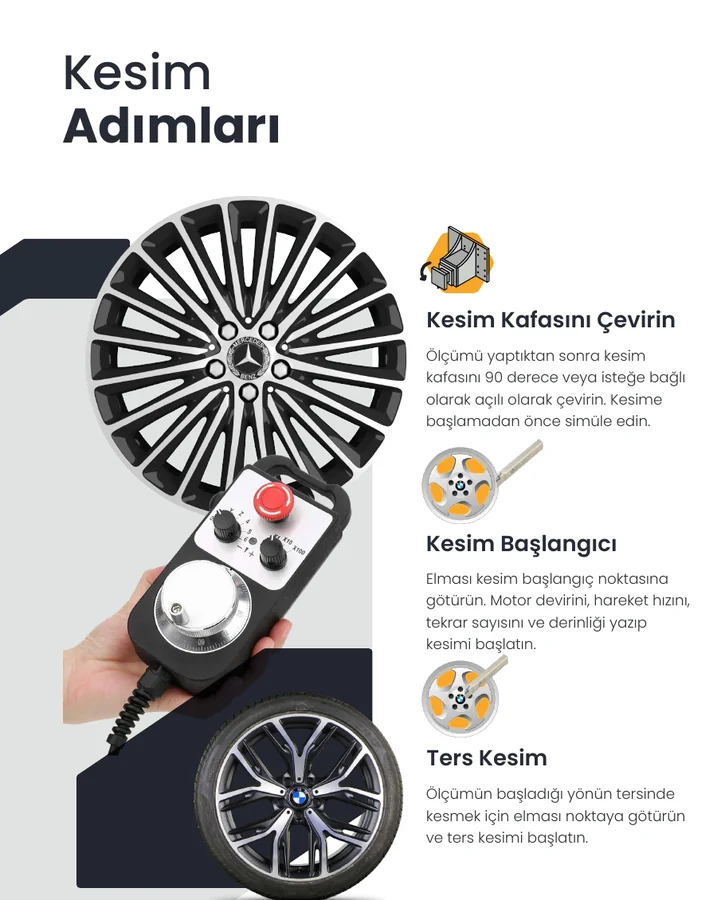
Touch Probe
Use the probe system for wheel-face measurement and, with suitable positioning, outer-side checks.
03
Automatic Cutting
Set the cutting parameters from measured data and start the CNC machining process.
04
Reverse Cutting
Cut in the opposite direction to the original measurement path when the job requires it.
05
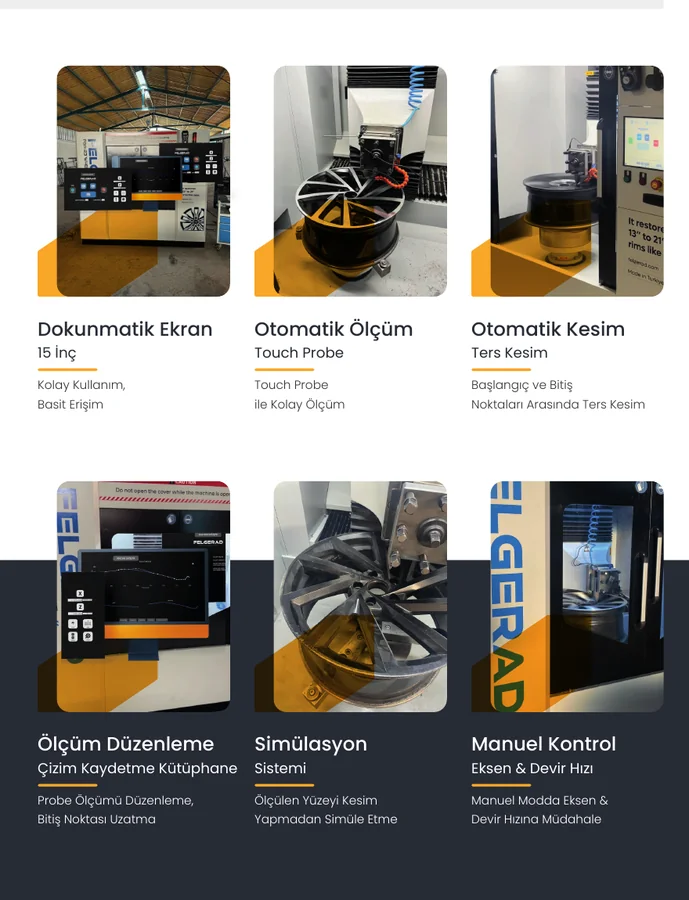
Simulation
Simulate the cutting path on the measured surface before performing the actual cut.
06
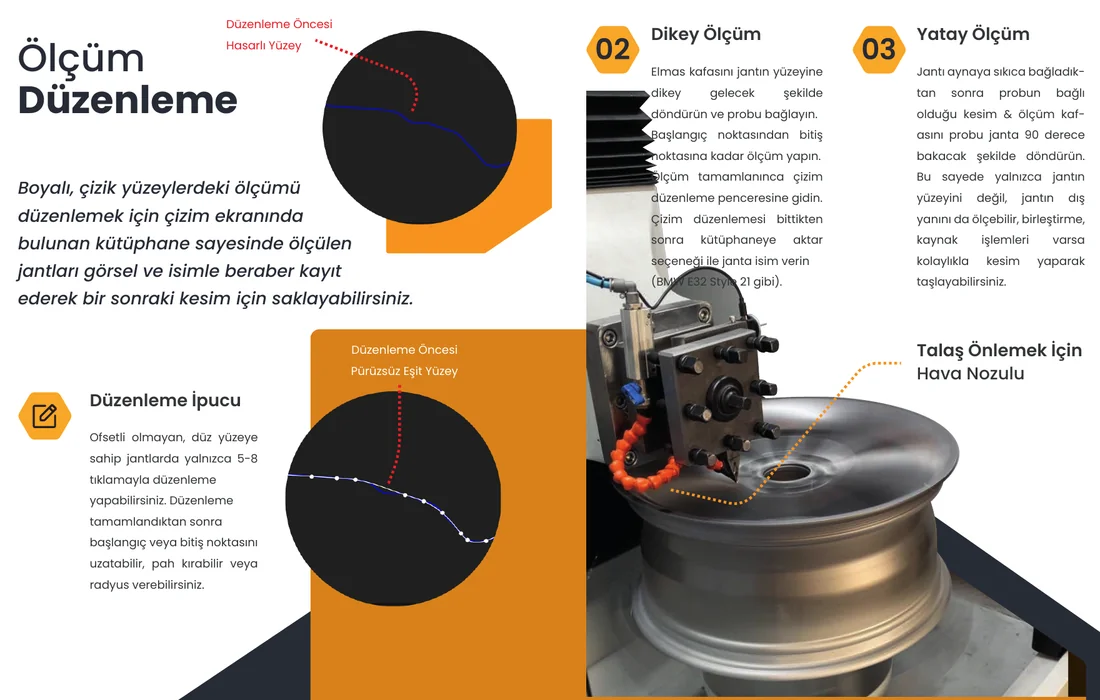
Measurement Editing
Edit probe data, extend start/end points and prepare chamfer or radius geometry.
07
Manual Control
Control axis movement, spindle speed and cutting speed from manual mode.
08
Drawing Library
Save measured wheels with a visual reference and name for later reuse.